
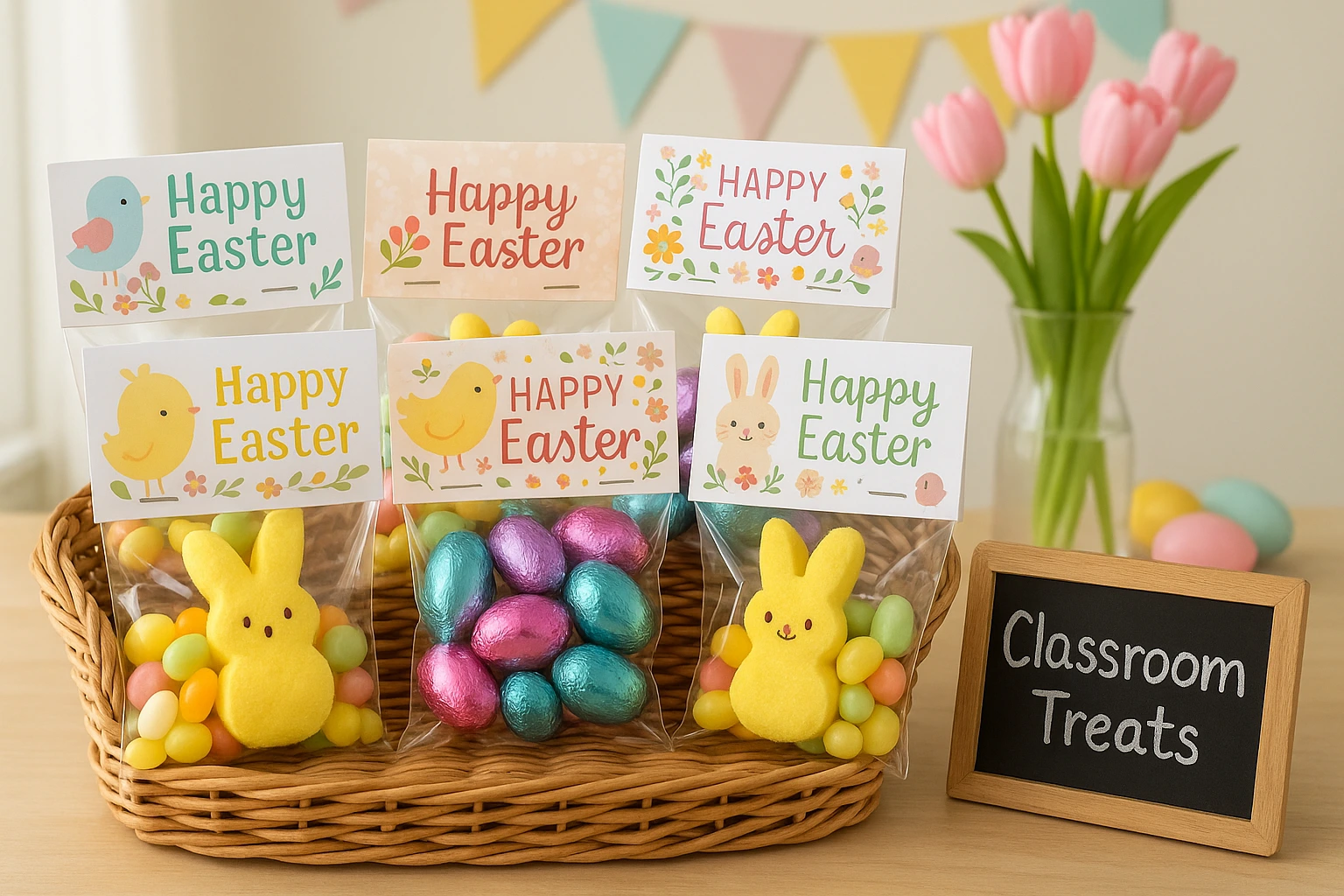
A printable is only useful when you know exactly what will come out of the printer. This PDF contains two full-color Easter treat bag toppers on one US Letter page: one bunny design and one chick design.
Each topper is 4 inches wide and folds in half over the top of a bag. Download first, then choose the bag. That order prevents a last-minute size mismatch.
Download the Easter Treat Bag Toppers PDF
Table of Contents
- What the Printable Includes
- Print at the Correct Size
- Cut, Fold, and Attach the Toppers
- Choose a Bag That Fits
- Choose What Goes Inside
- Fix Common Printing and Assembly Problems
- Frequently Asked Questions
What the Printable Includes
| Detail | What you get |
|---|---|
| Page | One US Letter PDF page |
| Designs | One bunny topper and one chick topper |
| Finished width | 4 inches when printed at 100% |
| Messages | “Hoppy Easter!” and “Happy Easter!” |
| Personalization | Handwritten “To” and “From” lines |
| Guides | Solid outer cutting border and dotted center fold line |
The wording and colors are already set. This is not an editable template or a black-and-white coloring page. Write names on the printed lines after the ink has dried.
Print the Easter Treat Bag Toppers at the Correct Size
Use white cardstock that your printer accepts. Ordinary paper can work for a test copy, but cardstock holds its shape better when folded over a filled bag.
- Open the PDF rather than printing the webpage. The PDF holds the intended page and topper dimensions.
- Select US Letter paper and portrait orientation. The printable was built for that page size.
- Set the scale to 100% or Actual Size. Turn off “Fit,” “Shrink,” or “Scale to page.”
- Print one test page. Measure the topper’s outer width; it should be 4 inches.
- Check the color and alignment. Only then print the number of copies you need.
Cut, Fold, and Attach the Toppers
- Let the ink dry. This matters especially on coated cardstock or when the printer lays down heavy color.
- Cut around each solid outer border. Do not cut on the dotted center line.
- Fold on the dotted line. Align the two short edges before pressing the fold flat.
- Fill and close the bag. Remove excess air so the top lies reasonably flat.
- Center the folded topper. The front message should face the reader and the instruction panel should sit behind the bag.
- Secure it. Use double-sided tape inside the topper, or have an adult place staples where they will not touch exposed food.
Choose a Treat Bag That Fits
The printable is designed around a 4-inch-wide topper. Measure the flat width across the top of the empty bag, not the package dimensions or the bag’s filled depth.
| Bag width | Expected fit | Best approach |
|---|---|---|
| About 4 inches | The closest match | Center the topper and align its edges with the bag |
| Slightly narrower | A small overhang on both sides | Center it and decide whether the overhang looks intentional before filling every bag |
| Wider than 4 inches | The topper will not cover the full bag width | Use it as a centered label or choose a narrower bag |
| Bulky or gusseted | The filled top may resist folding flat | Test one filled bag before preparing the full batch |
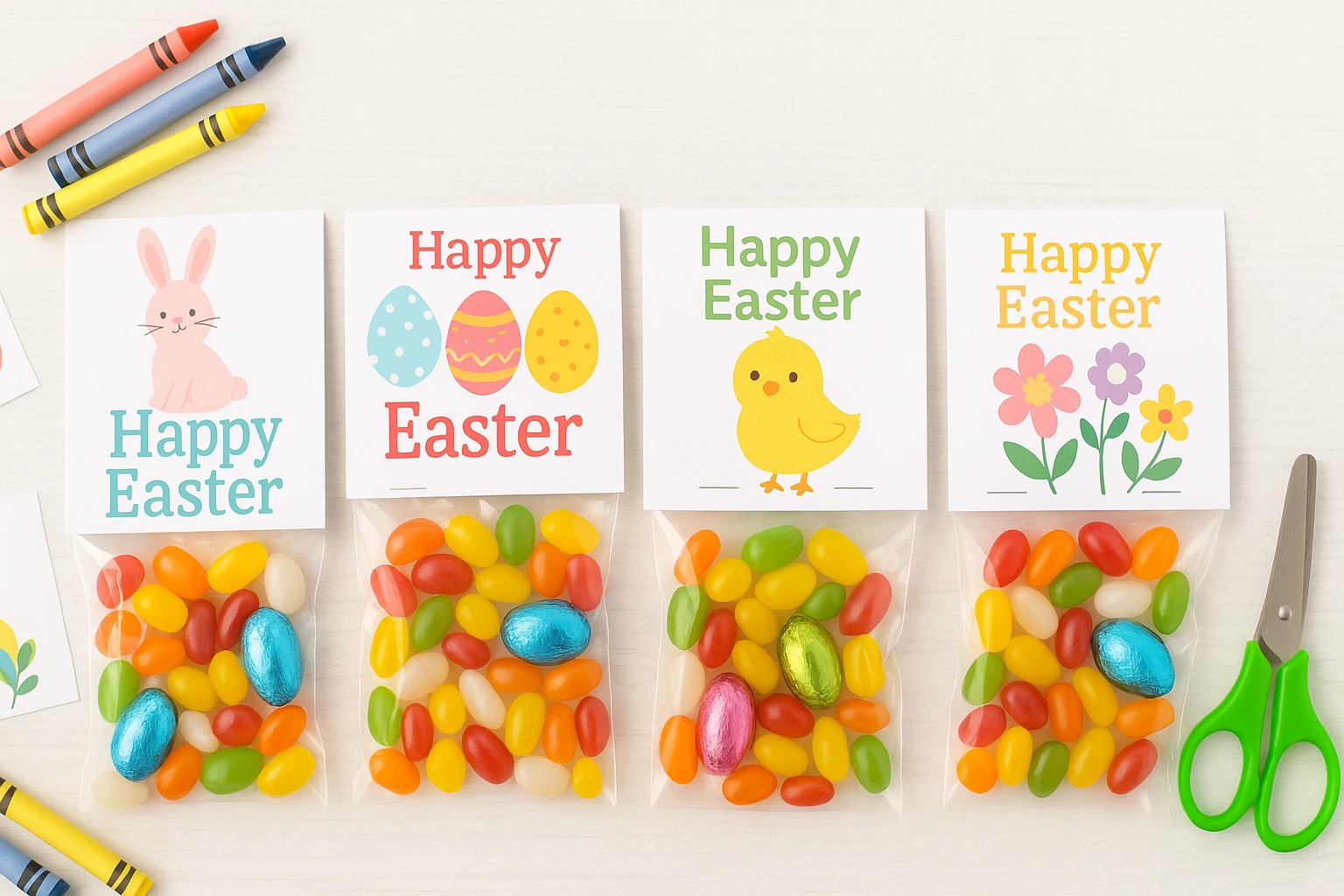
Choose What Goes Inside
Start with the recipient and setting. A family basket, neighborhood gift, and classroom handout may have different food, allergy, and small-item limits.
- Individually wrapped candy, chocolate eggs, or fruit snacks
- Crackers or other shelf-stable snacks permitted by the school or event
- Non-food options such as stickers, age-appropriate erasers, or temporary tattoos
- A short handwritten note instead of an additional item
If you are planning several low-cost activities for children, the frugal living with kids guide can help you keep the wider plan practical without turning every moment into another purchase.
Simple ways to personalize the finished bag
- Write the recipient and giver names before attaching the topper
- Match the bag or ribbon to one color already in the design
- Use one filler type for a whole group to simplify assembly
- Set completed bags upright in a box so the folded tops do not bend
Fix Common Printing and Assembly Problems
- The topper prints smaller than 4 inches: return to the print dialog and select 100% or Actual Size.
- The outer border is clipped: confirm US Letter paper and portrait orientation, then check that borderless enlargement is turned off.
- The ink smears: let the page dry flat before stacking, writing, cutting, or folding.
- The fold is crooked: align the outer corners first and press from the center toward each edge.
- The topper slides off: place double-sided tape inside both panels or have an adult secure each side with a staple.
- The bag bunches under the topper: remove excess air, reduce the filler amount, or test a less bulky bag.