
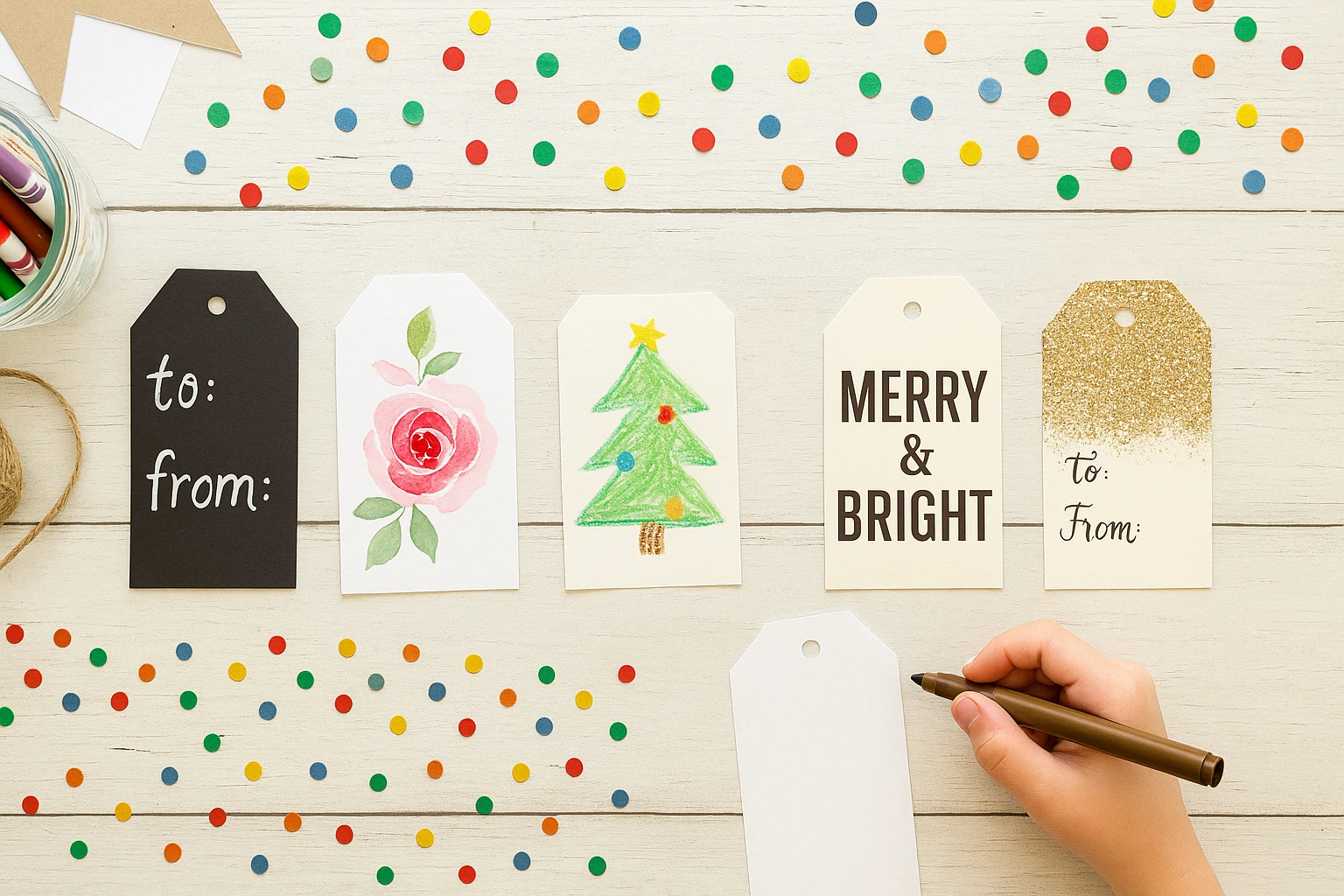
This printable pack contains nine gift-tag designs in two versions: a full-color page and a low-ink page you can use as printed or decorate by hand. The designs cover birthdays, holidays, thank-yous, and everyday gifts without pretending one tag fits every occasion.
Print at 100% before choosing ribbon or twine. Each finished tag is about 2.27 inches wide and includes a marked hole, so a test print tells you whether its scale suits the package.
Download the Printable Gift Tags PDF
Table of Contents
- What the Gift-Tag PDF Includes
- Print the Tags at the Correct Size
- Cut and Punch the Tags
- Choose the Right Design
- Personalize and Attach the Tag
- Fix Common Problems
- Frequently Asked Questions
What the Gift-Tag PDF Includes
| PDF detail | What you get |
|---|---|
| Page 1 | Nine full-color gift tags |
| Page 2 | The same nine designs in a low-ink version |
| Page size | US Letter, portrait orientation |
| Tag size | About 2.27 inches wide by 2.82 inches high at 100% |
| Personalization | Five designs include “To” and “From” lines |
| Finishing | Solid cutting borders and a marked punch hole |
The fixed messages include “Especially for You,” “For You,” “Merry & Bright,” “Thank You,” “Happy Birthday,” “Someone Special,” “To You,” “Joy to You,” and “With Love.” The PDF is not an editable digital template; use the printed lines or add a short handwritten note.
Print the Tags at the Correct Size
Use white cardstock that your printer lists as compatible. Plain paper is useful for the first size check, but cardstock gives a punched tag more structure and resists curling around ribbon.
- Open the PDF. Do not print the webpage or the preview image.
- Select US Letter and portrait orientation. Both printable pages use that setup.
- Choose 100% or Actual Size. Turn off “Fit to page,” “Shrink,” and automatic enlargement.
- Select only the page you need. Page 1 is full color; page 2 is low ink.
- Print one plain-paper test. Measure a tag before using cardstock or making multiple copies.
Cut and Punch the Gift Tags
- Let the ink dry. Coated cardstock and heavy color coverage may need extra time before handling.
- Cut around the solid outer border. The angled top corners are part of the tag shape.
- Keep each hole mark centered. A standard handheld punch works only if the paper can slide far enough into its opening.
- Punch one test tag. Support the cardstock so the top does not crease while you press.
- Write before tying. A flat tag is easier to personalize than one already hanging from a package.
Choose the Right Design for the Gift
| Reader job | Useful designs | What to add |
|---|---|---|
| You need names | Especially for You, For You, Someone Special, To You, or With Love | Complete the “To” and “From” lines |
| You need a birthday message | Happy Birthday or Someone Special | Add the recipient’s name on the back if needed |
| You need a holiday tag | Merry & Bright or Joy to You | Pair with one wrapping color already in the design |
| You need a thank-you | Thank You or With Love | Add one specific handwritten sentence on the back |
| You want to decorate it yourself | Any design on the low-ink page | Use pencils or markers after testing for bleed-through |
Personalize and Attach the Tag
A tag does not need several decorations to feel personal. A name, one clear message, and a tie that suits the package are enough.
- Ribbon: thread a narrow ribbon through the hole and tie it around a box or bag handle.
- Twine: use it when a simple, less formal finish suits the wrapping.
- Tape: skip punching and attach the tag flat when the package has nowhere to tie it.
- Low-ink page: add color sparingly, leaving enough contrast for the printed words and handwritten names.
- Back of the tag: use it for a short note rather than trying to squeeze extra writing around the front design.
If the tag is finishing a larger present, the homemade gift basket guide can help you plan the container and contents before spending money on decorative extras.
Fix Common Gift-Tag Problems
- The tags print too small: select 100% or Actual Size and disable “Fit to page.”
- The edges are clipped: confirm US Letter paper, portrait orientation, and no borderless enlargement.
- The ink smears: let the sheet dry before stacking, cutting, or writing.
- The cardstock tears at the hole: punch farther from the edge only if the new position remains inside the printed tag, or attach the tag flat with tape.
- Marker bleeds through: test it on a trimmed scrap from the same printed sheet and switch to a drier pen or pencil.
- The tag spins backward: shorten the tie or tape one lower corner lightly to the package.